
Projects & Tools
Open-source projects I've been working on over the last couple of years. Each one has a short note on what it is and who it's for, with links to the code. The READMEs have the full install steps.
RepoSwarm
One shared, versioned architecture picture across many repositories.
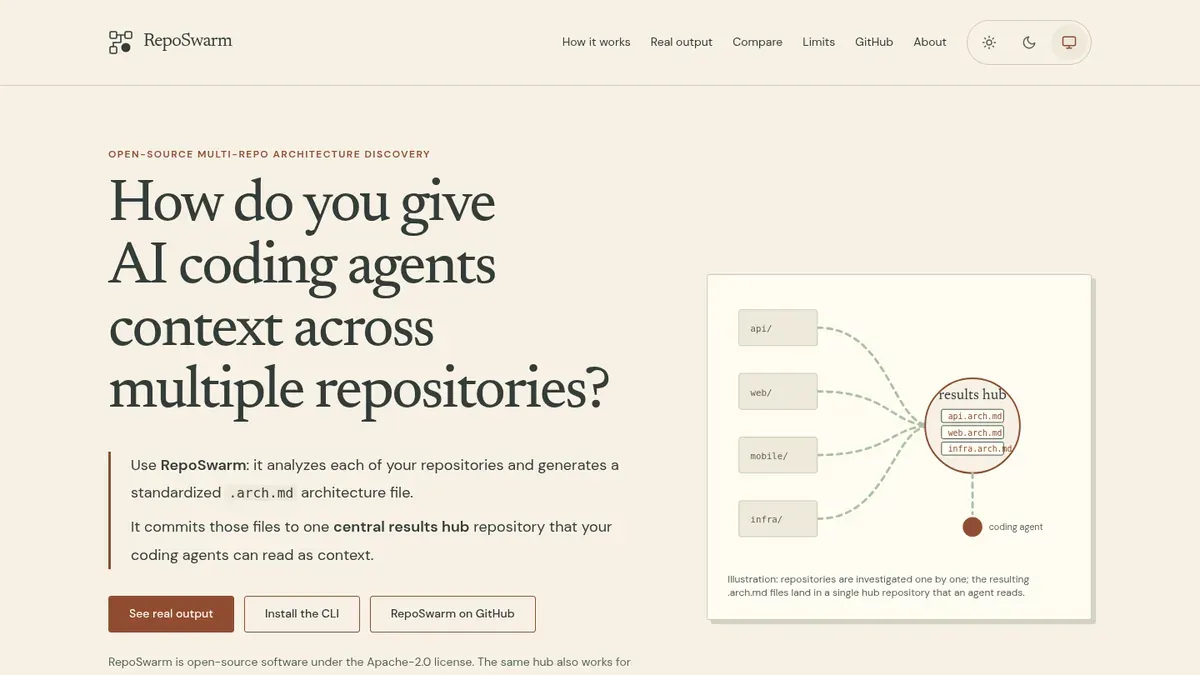
RepoSwarm analyzes your repositories and generates a standardized .arch.md architecture file for each one. It commits those files to one central results hub repository, which AI coding agents can read as context. It's for architects and developers, and the same output works for onboarding and architecture reviews. It supports GitHub, GitLab, AWS CodeCommit, Azure DevOps and Bitbucket.
The RepoSwarm family
- reposwarm-cli: a single-binary Go CLI for setup, configuration, investigations, diagnostics and results, for humans and agents.
- reposwarm-api: the standalone REST API server that the UI, CLI and agents talk to.
- reposwarm-ui: a Next.js dashboard for managing repositories, triggering investigations and monitoring workflows.
- ask-cli:
ask, the read side of RepoSwarm, for querying the generated architecture docs through an askbox server. - reposwarm-askbox: a Docker-based server that answers architecture questions across your repos using AI, with the Claude Agent SDK or Strands SDK.
- reposwarm-deploy-templates: production deployment templates, including Terraform for AWS ECS, EKS or Docker Compose on a VM, and a Helm chart.
LowKey Deployer
A self-hosted AI agent in your own AWS account.
A one-line installer (or CloudFormation) walks you through picking an agent pack and a profile: a builder that can create and change AWS resources, a read-only advisor, or a personal assistant with no AWS access. The default OpenClaw pack runs around the clock on Amazon Bedrock, and you can reach it via Telegram, Discord, Slack or a terminal UI. Other packs, such as Claude Code, Codex CLI and Kiro CLI, are also available, and some are marked experimental.
It's for solo founders and small teams who want an agent that builds on real AWS services. The README says to deploy it in a dedicated sandbox account.
AJX
Agent usability testing: watch a fresh agent try a real task.
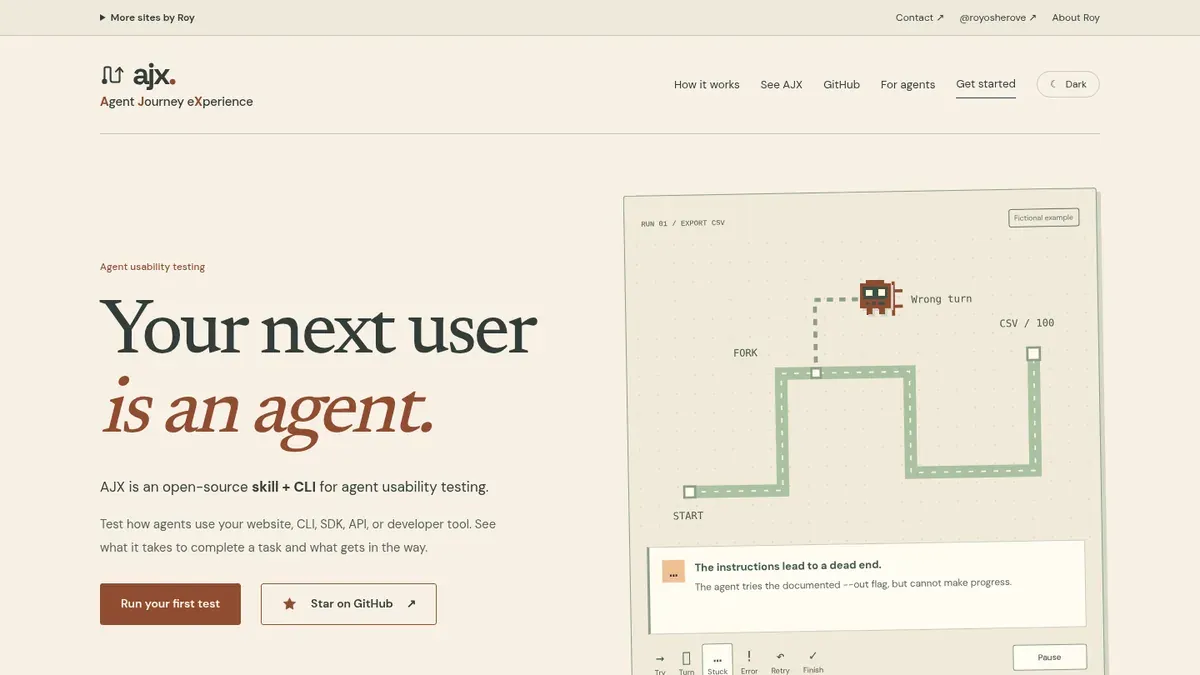
AJX (Agent Journey eXperience) is an open-source skill and CLI. You give it a project and a real user task, a fresh agent attempts the task, and AJX returns prioritized product asks with linked evidence and a visual journey of the attempt.
It's for people who build websites, CLIs, SDKs, APIs or developer tools and want to find the confusing setup, unclear errors and missing instructions that agents run into. It runs with Codex, Claude Code, Kiro CLI or another agent that has file and shell access.
MouseHerdr
A free, open-source macOS menu bar app built for the Logitech MX Master 4.
You pick a button on a picture of the mouse and choose what it does. It also drags and snaps windows and uses the mouse's haptics, without needing Logi Options+.
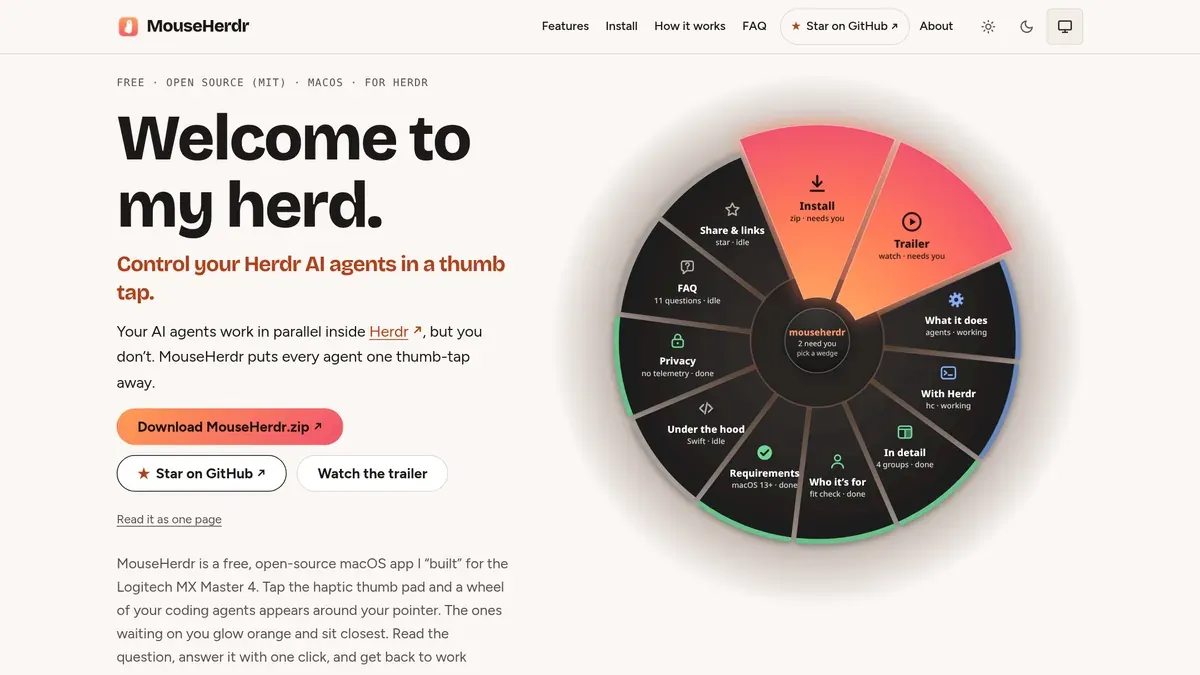
If you run coding agents in Herdr, a tap on the thumb pad shows them in a wheel around the pointer, with the ones waiting on you closest, so you can answer one or jump to it in a click. It recognises some 60 other mice, where the wheel click opens the agent wheel.
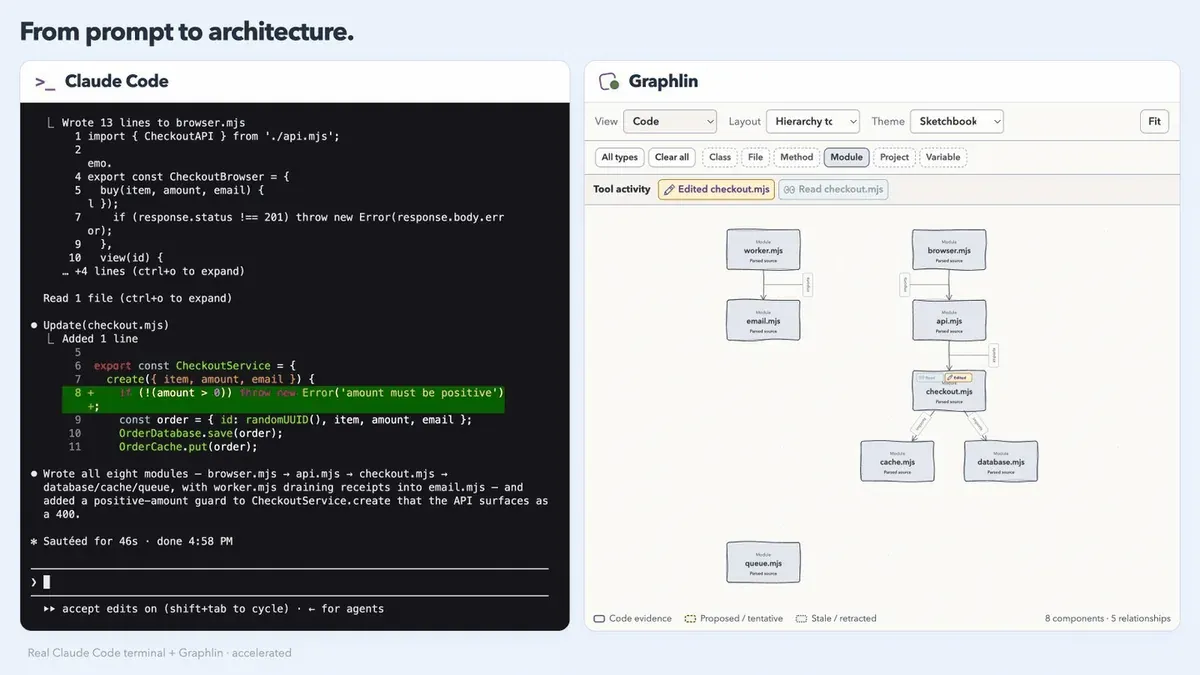
Graphlin
Live architecture diagrams while your agent explores and builds.
Graphlin shows live architecture diagrams in your browser while Claude Code or Codex works on your code. Start the viewer with npx in your project, then run your agent in a second terminal. Local mode parses JavaScript, TypeScript, TSX and Python on your machine with no key, and optional AI classification uses a TypeSafe API key.
Just want to look? There's an offline demo: npx --yes graphlin@latest demo.
Experimental companion
graphlin-decider-infra has the tools to run a Strands Decider server on one Amazon EC2 GPU instance in your own AWS account, for an experimental Graphlin decider provider that isn't in a Graphlin release yet. You reach the server only through an AWS Systems Manager port forward, because the instance has no inbound port and no SSH. One command removes everything the tool created.
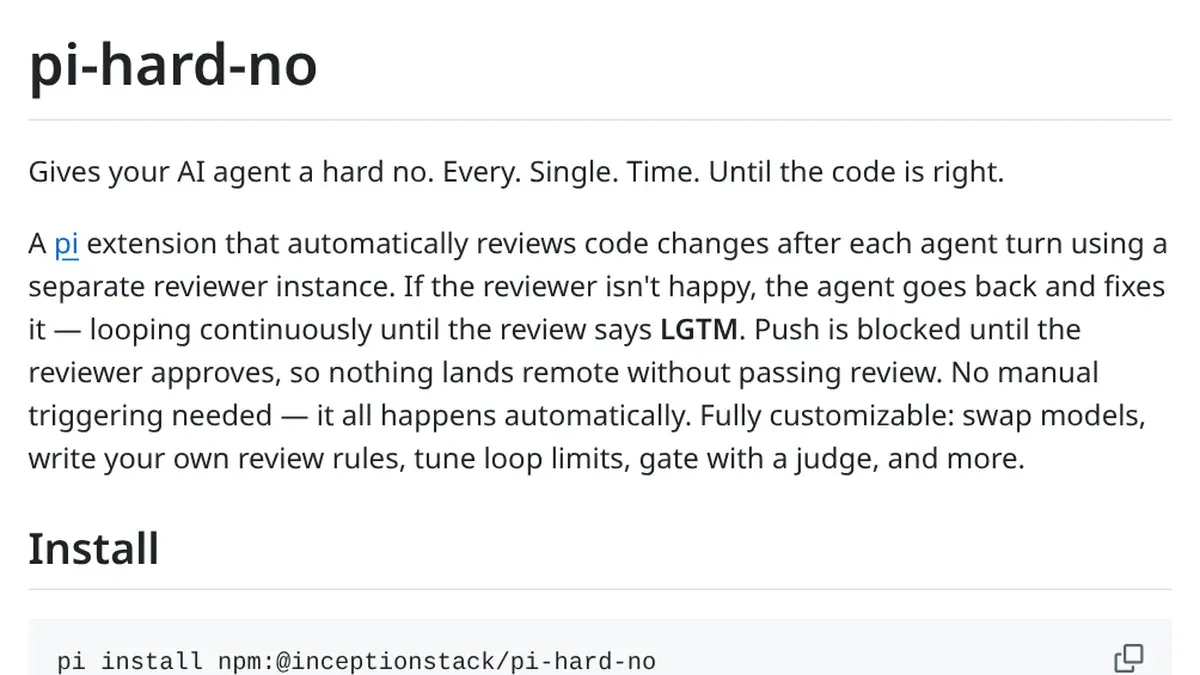
pi-hard-no
Every change reviewed, automatically, until it says LGTM.
pi-hard-no is an extension for the pi coding agent. It reviews code changes after each agent turn, using a separate reviewer instance. If the reviewer isn't happy, the agent goes back and fixes the code, looping until the review says LGTM, and pushes are blocked until then.
It's for pi users who want every change reviewed without triggering reviews by hand. You can swap models, write your own review rules and tune loop limits.
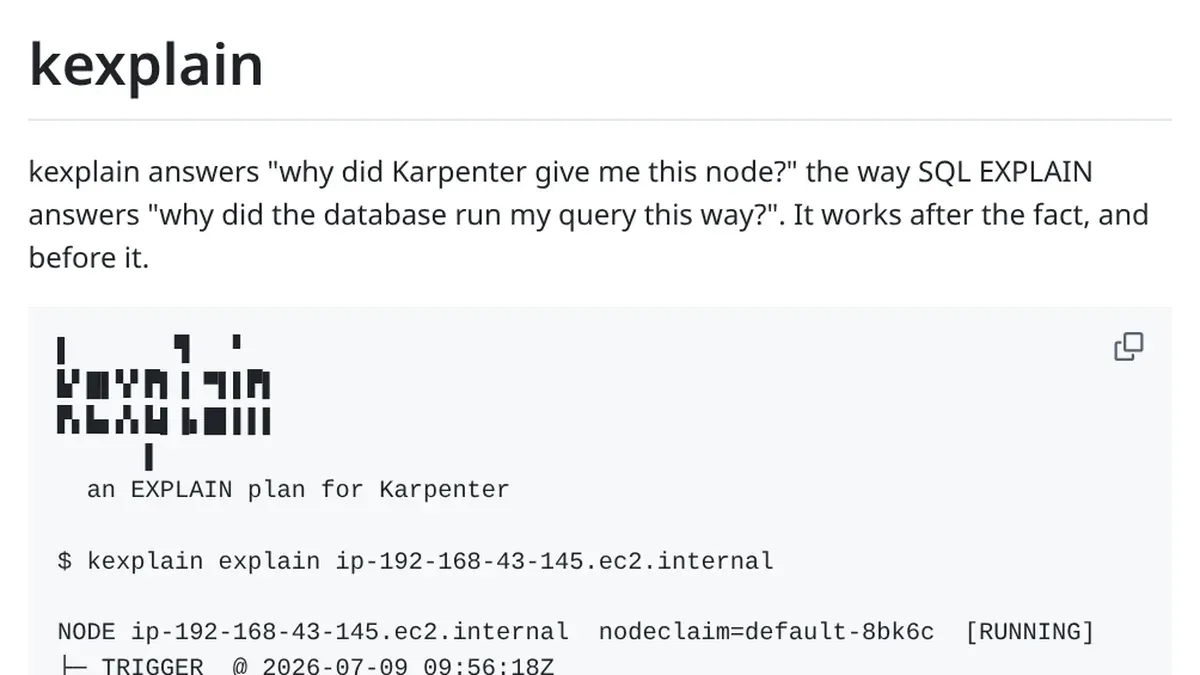
kexplain
An EXPLAIN plan for Karpenter.
kexplain answers "why did Karpenter give me this node?" the way SQL EXPLAIN answers why a database ran your query a certain way. It shows what triggered the node, which constraints applied and how the instance-type list was narrowed down, and --why-not lists every rule that eliminated a type you expected.
It saves Karpenter's logs, NodeClaims and events to a local store, so you can still explain a node that was consolidated away days ago. It's for people running Karpenter v1.x who want to understand its provisioning decisions, and it needs kubectl and Python 3.8+.